




USB Powered RGB Nixie Tube Clock with IPS Color Screen, Corded Electric Aluminum Oval Alarm Clock with Charging Port, Metal Fram

 4.9 (94 items)
 Limited Time Sale
$258.50 cheaper than the new price!!
Free cash-on-delivery fees for purchases over $99
Product details
| Management number | 203417944 | Release Date | 2025/10/03 | List Price | $258.50 | Model Number | 203417944 | ||
|---|---|---|---|---|---|---|---|---|---|
| Category | |||||||||
SPECIFICATIONS
Brand Name: NoEnName_Null
Choice: yes
Display Type: DIGITAL
Feature: LUMINOVA
Function: Color Changing
Hign-concerned Chemical: None
Is Smart Device: YES
Origin: Mainland China
Style: Brief
Type: Desk Clocks
【Nixie Tube Clock Simulation】
The Vintage IPS Digital Clock simulates the nixie tube clock display and glow. Perfect blend between innovative technology and vintage elements.
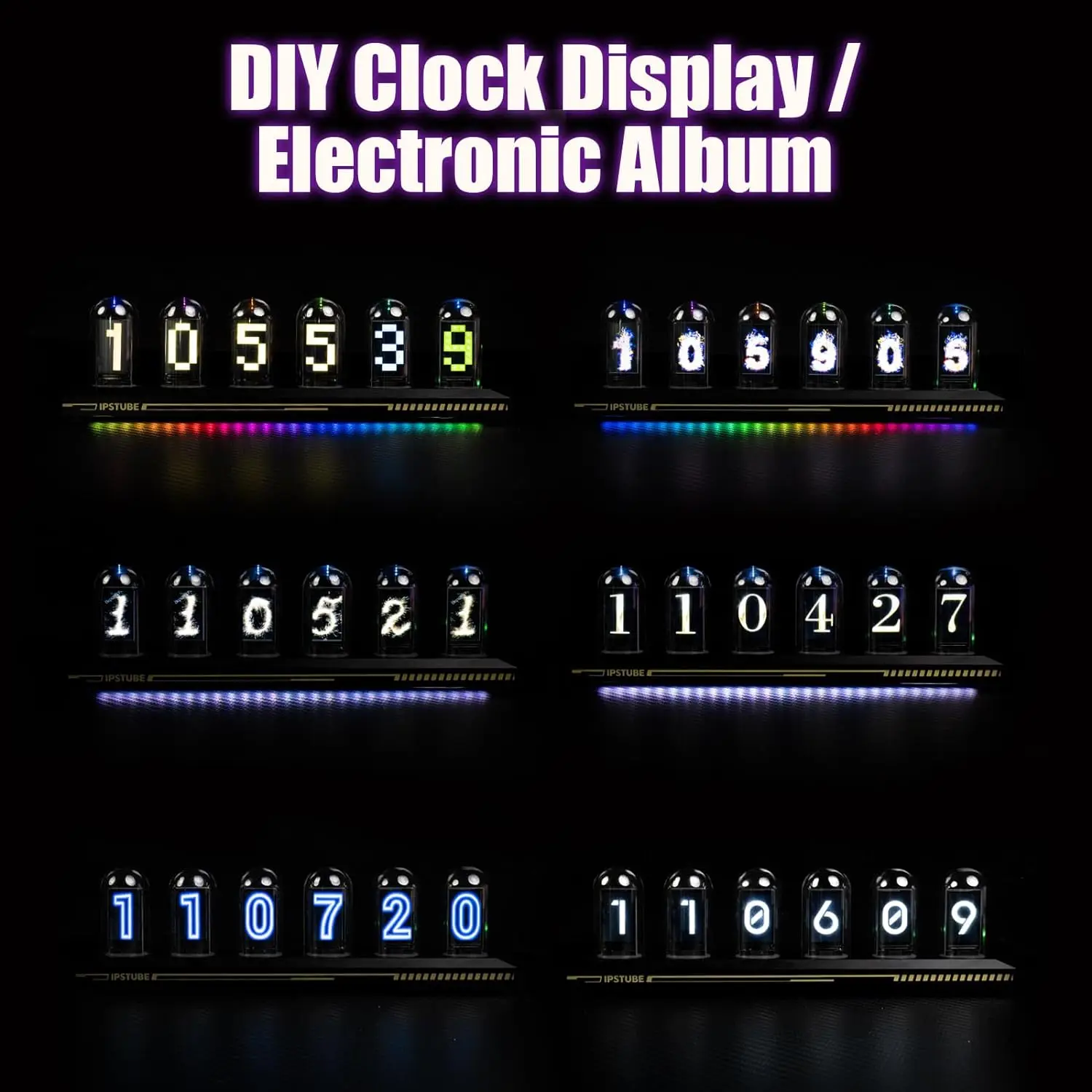
【Fantastic Display Effect】
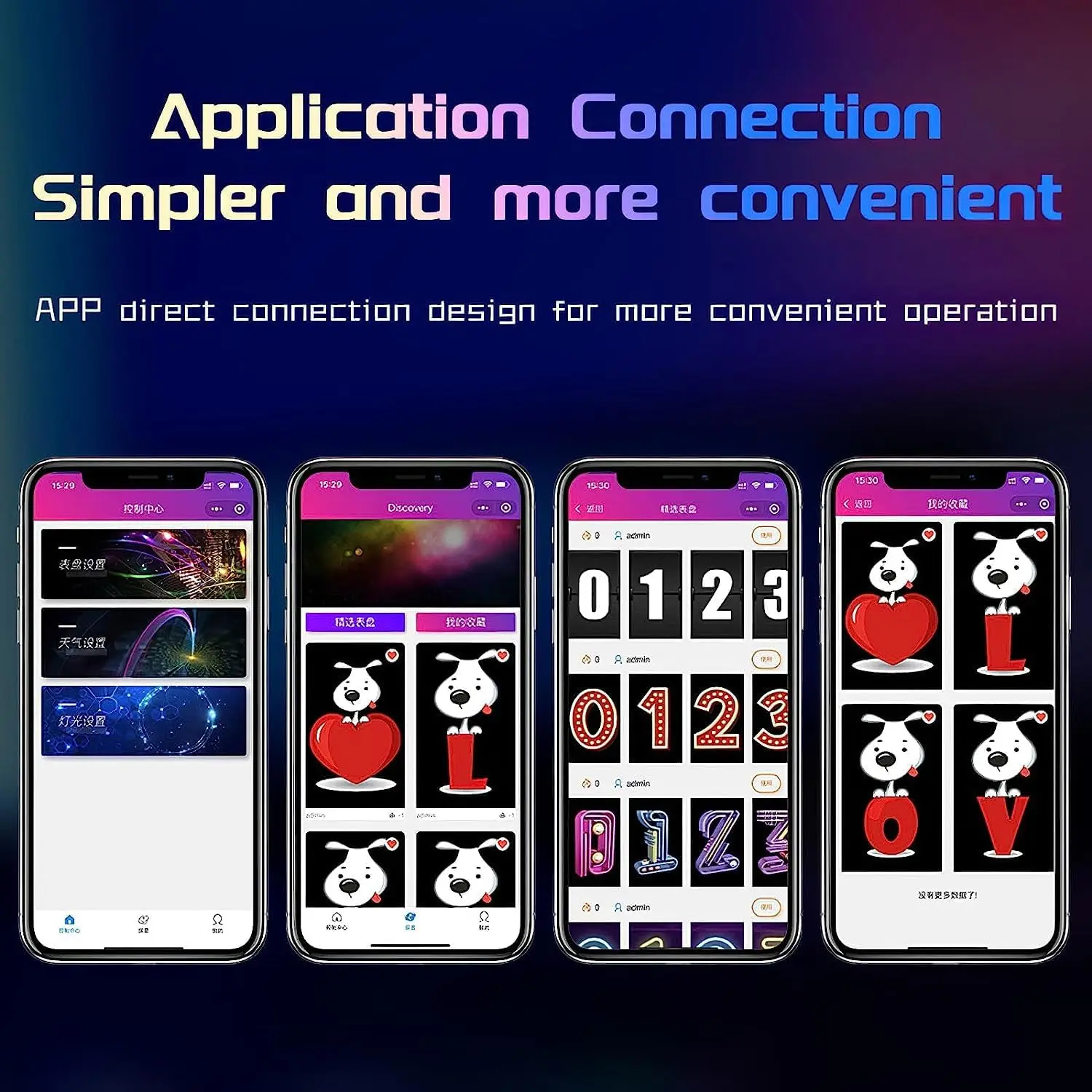
It comes with 6 LCD screens covered by a delicate glass tube.You can choose from more than 20 display options,and DIY creations(photos,characters,patterns) to customize your display as your wishes.

【IPS Tube Clock Support 12/24h Format】
IPS Tube clock support to Wi-Fi time calibration and switch between 12 hours to 24 hours setting. A huge library of dial styles is at your disposal, or you can DIY the settings to your liking. NOTE: The tube clock needs to be connected to 2.4G wifi to use, if connected to 5G wifi may lead to connection failure
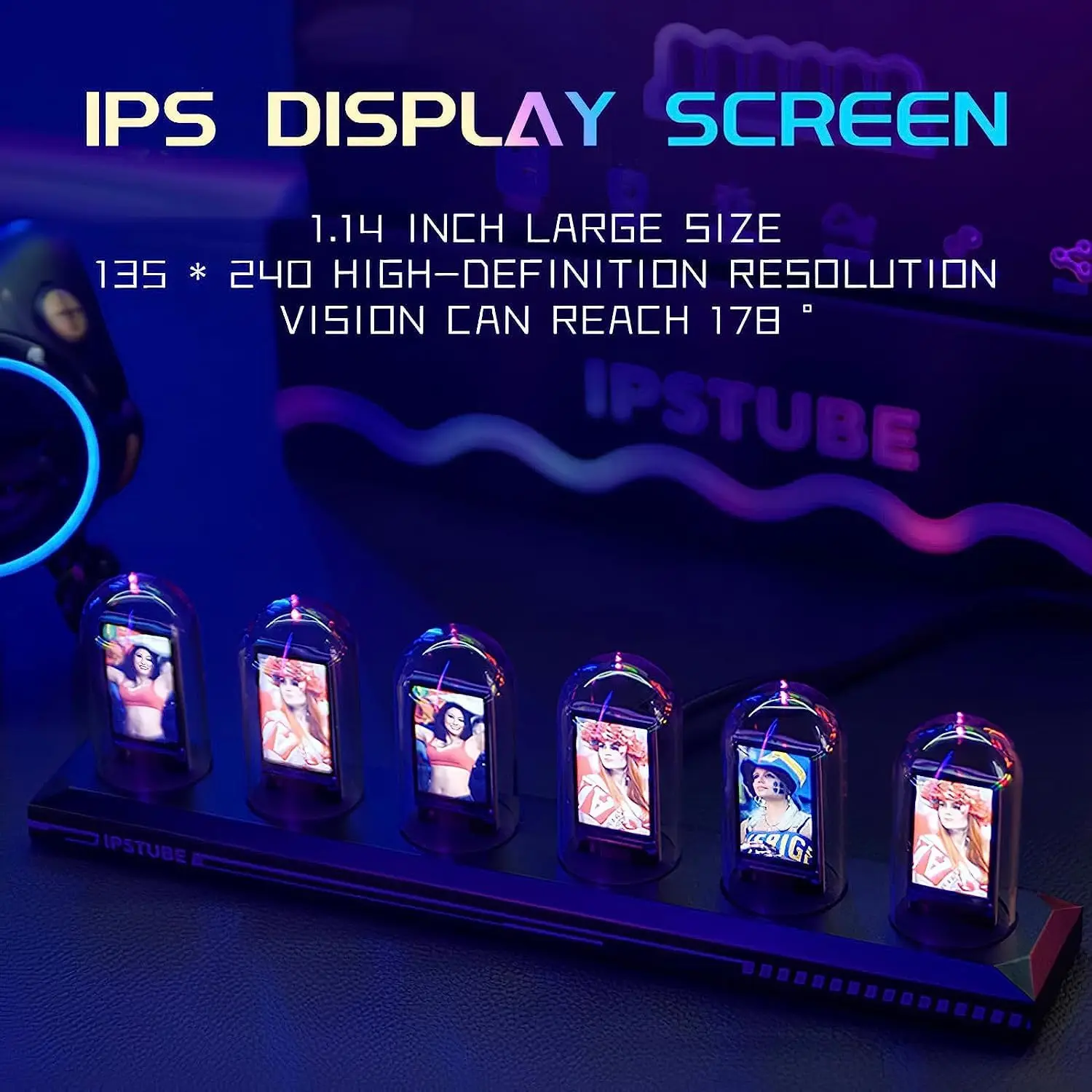
Customized Photo Album & Drop the L bomb
The multimedia album function allows you to change any 10 photos in 3 sets of dials, the photos will change over time, and the dials can be digital or you can upload your own pictures. When you wish to express your love like your favorite person unexpectedly, you can DIY an electronic tube clock as a gift.
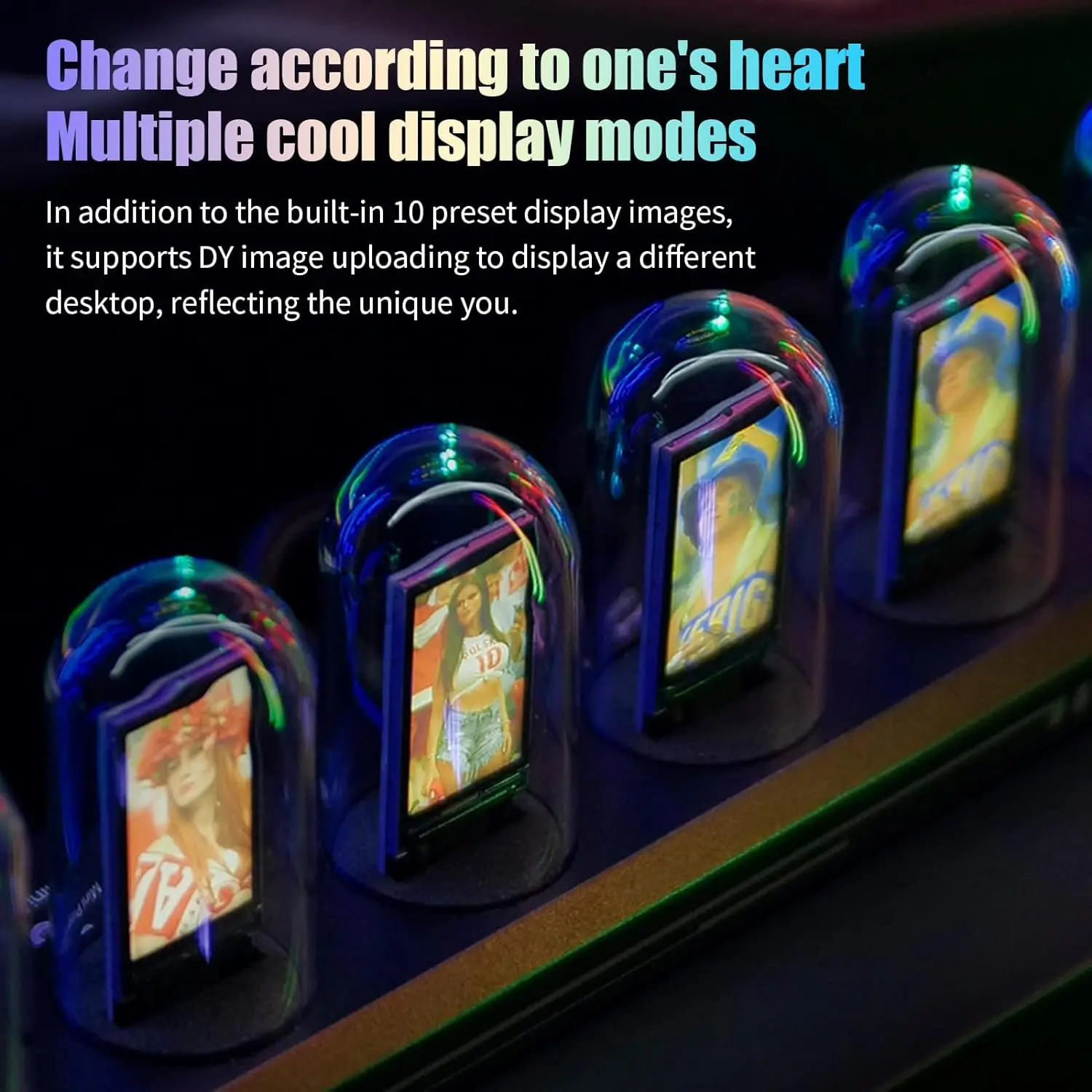
Login Methods
Guest Mode Login: Select "Try to log in as a guest" to enter the guest mode. After login, click "Device List" to enter Bluetooth pairing.
Email Login:Select the email icon at the bottom of the cell phone page and enter your email address to get the login confirmation code. After login, click "Device List" to enter Bluetooth pairing.
Switches & Settings
1Press and Hold the Switch for 3 Seconds: Turn On/Off.
2 Press the Switch Once: You can change the dial setting.
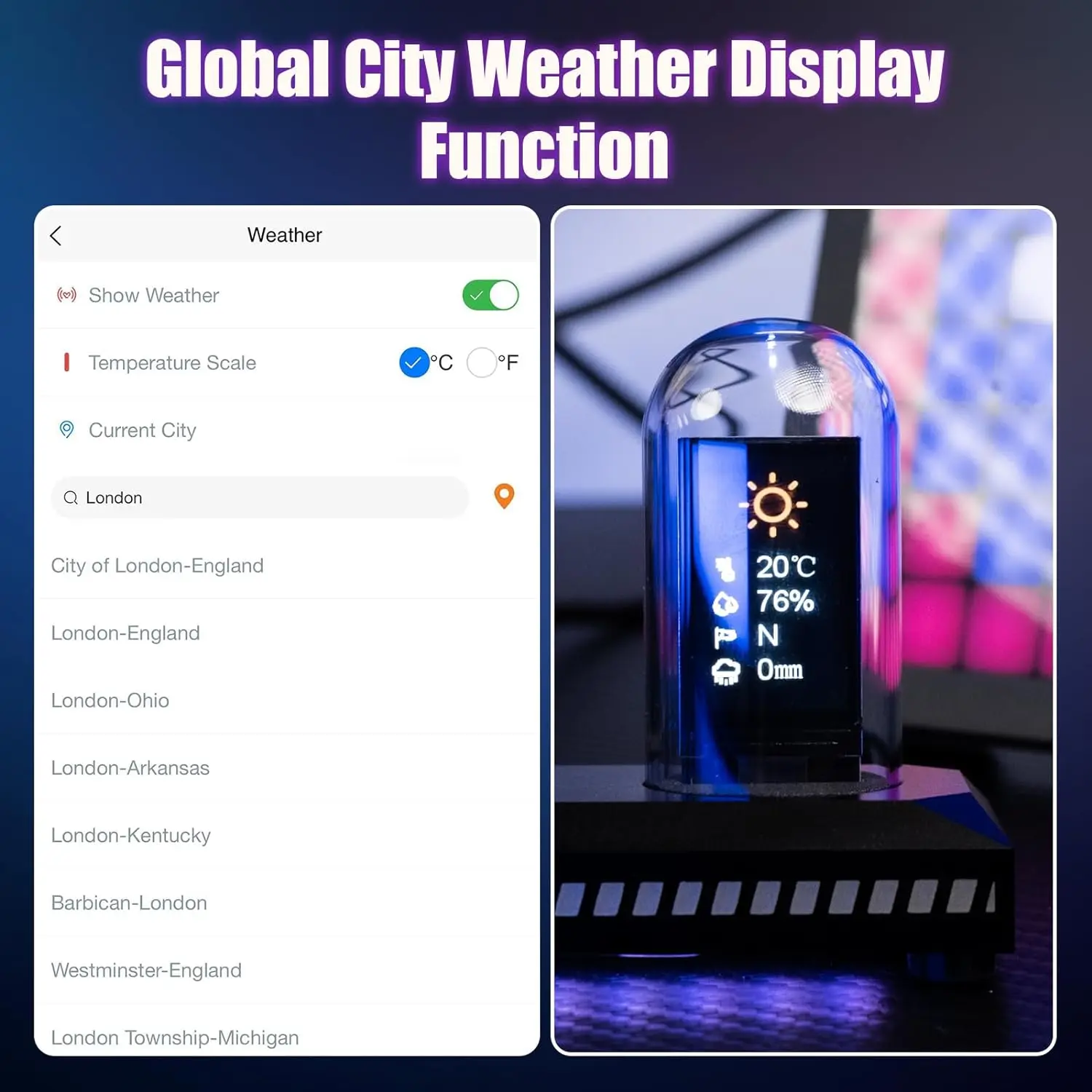
3 Press the Switch Twice Consecutively: Turn On/Off the Weather Display.
Application Installation & Registration
First, Turn on Bluetooth, Location Information and WiFi on Your Cellphone.S
can the Code Above to Download and Install the "IPSTube" Application.
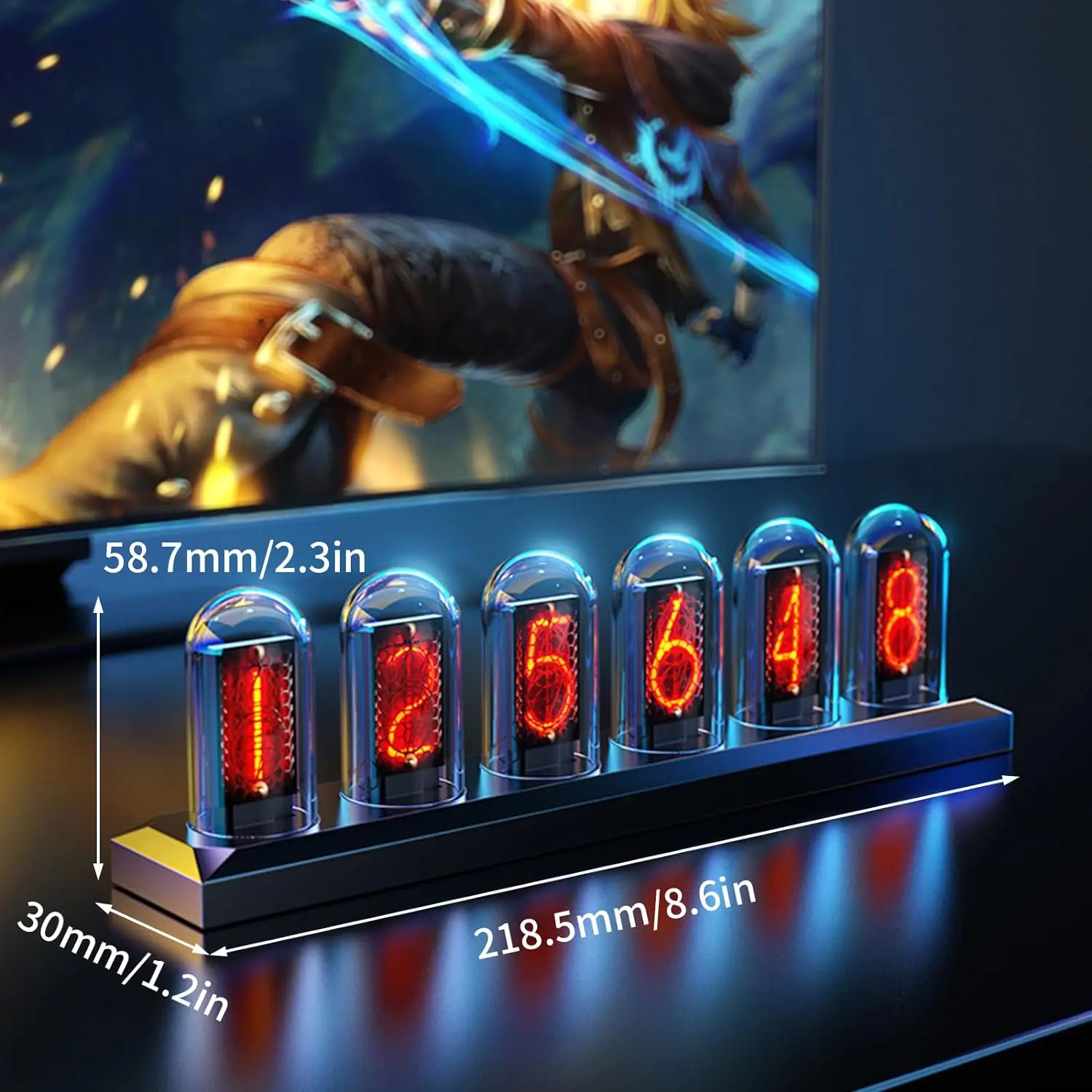
【Nixie Tube Clock Simulation】
Adopts 6pcs IPS LCD screen to display the time number image with glass cover making it looks like a real vacuum nixie tube clock glowing when power on. The dial supports DIY settings, which can be either a desktop clock or an electronic photo album, which is the best gift for your friends and family on birthday, Christmas and New Year
Bestseller ranking
Recommended


Correction of product information
If you notice any omissions or errors in the product information on this page, please use the correction request form below.
Correction Request Form